Mango Languages
Mango Languages courses are offered in over 70 languages, including ASL and over 20 ESL courses and specialty courses focused on specific subjects.
Use Mango Languages on a PC or Mac
- You can use Mango Languages as a guest, but to save your progress, create a profile with your email address and a password.
- Once you’ve logged in, choose the language you want to start to learning.
Use the Mango Languages app for Android or iOS
- You must create a Mango Languages account via a web browser (using the link above) before using the app.
- Search for and download the Mango Languages app in your device’s app store.
- Login to the app with the email address and password you created on the website, and start learning!


American Sign Language in Mango Languages
American Sign Language (ASL) is now available on Mango Languages. Mango Libraries has partnered with ASL Inside, one of the leading ASL learning platforms. Patrons have free access to all the features this course has to offer using Mango Languages1. The courses are self-paced and designed to meet your learning speed. The Magic Mirror feature enables instant visual comparison for accurate sign modeling. Select ASL on the website or in the app, or Go directly to the ASL modules.
Little Pim in Mango Languages
Little Pim modules are included in Mango’s courses for:
- French
- Spanish (Latin American)
- English
- Hebrew (Modern)
- Italian
- Japanese
- Chinese (Mandarin)
- Arabic (Modern Standard)
- German
- Russian
- Korean
- Portuguese (Brazilian)
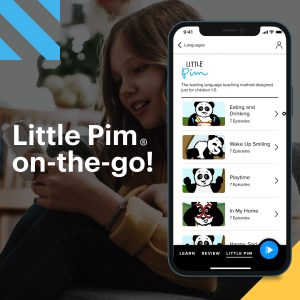
Select one of these languages on the website or in the app, click Explore, then Little Pim. Or go directly to all Little Pim courses. Little Pim courses are available only through the Mango Languages website or app.